Hugo Simple Beauty Theme
Hugo Simple Beauty Theme
A minimalist, clean, and highly readable Hugo theme designed for personal blogs, book summaries, and technical writing.
Features
🎨 Design & UI
- Minimalist Aesthetic: Focuses on typography and whitespace for an editorial feel.
- System-based Dark Mode: Automatically respects OS preferences with a dedicated manual toggle.
- Responsive: Fully optimized for mobile, tablet, and desktop.
- Typography: Uses the modern Inter font for UI and the elegant Lora serif for long-form reading.
- Smooth Interaction: Built-in smooth scrolling and subtle transitions.
🛠 Technical Features
- Adaptive Syntax Highlighting: Custom-themed code blocks that adjust colors for light and dark modes.
- Related Writing: Built-in engine suggests related posts based on tags and categories.
- Reading Time: Automatically calculates and displays the estimated reading time for each post.
- SEO Optimized: Pre-configured with Open Graph, Twitter Cards, and Canonical URLs.
- Back to Top: A smart floating button that appears as you scroll.
🧩 Shortcodes
- Notice/Callouts: Beautiful styled boxes for
infoorwarningmessages.
{{< notice type="info" title="Pro Tip" >}}
Your content here...
{{< /notice >}}
renders as
Pro Tip
Your content here…
Installation
- From the root of your Hugo site, add the theme as a git submodule:
git submodule add https://github.com/prule/hugo-simple-beauty.git themes/hugo-simple-beauty - Update your
hugo.toml(orconfig.toml) to use the theme:theme = "hugo-simple-beauty"
Configuration
Main Menu
Configure your navigation in hugo.toml:
[[menu.main]]
    name = "Home"
    url = "/"
    weight = 1
[[menu.main]]
    name = "Projects"
    url = "/projects"
    weight = 2
Social Links & Avatar
Add your profiles and profile picture under [params]:
[params]
    description = "Software Developer & Reader"
    sidebar_avatar = "/images/profile.jpg"

    # Social
    github = "https://github.com/..."
    linkedin = "https://linkedin.com/in/..."
    medium = "https://medium.com/@..."
    substack = "https://your.substack.com"
Syntax Highlighting
Ensure your highlighter is configured to use classes:
[markup.highlight]
    noClasses = false
Content Structure
- Sections: Use
_index.mdin folders (likebooksummaries/) to create section landing pages. - Dates: If a date is not specified in front matter, it will be hidden automatically (perfect for “Page” content).
- Tags/Categories: Use these in your front matter to power the “Related Writing” section.
License
MIT
Screenshots
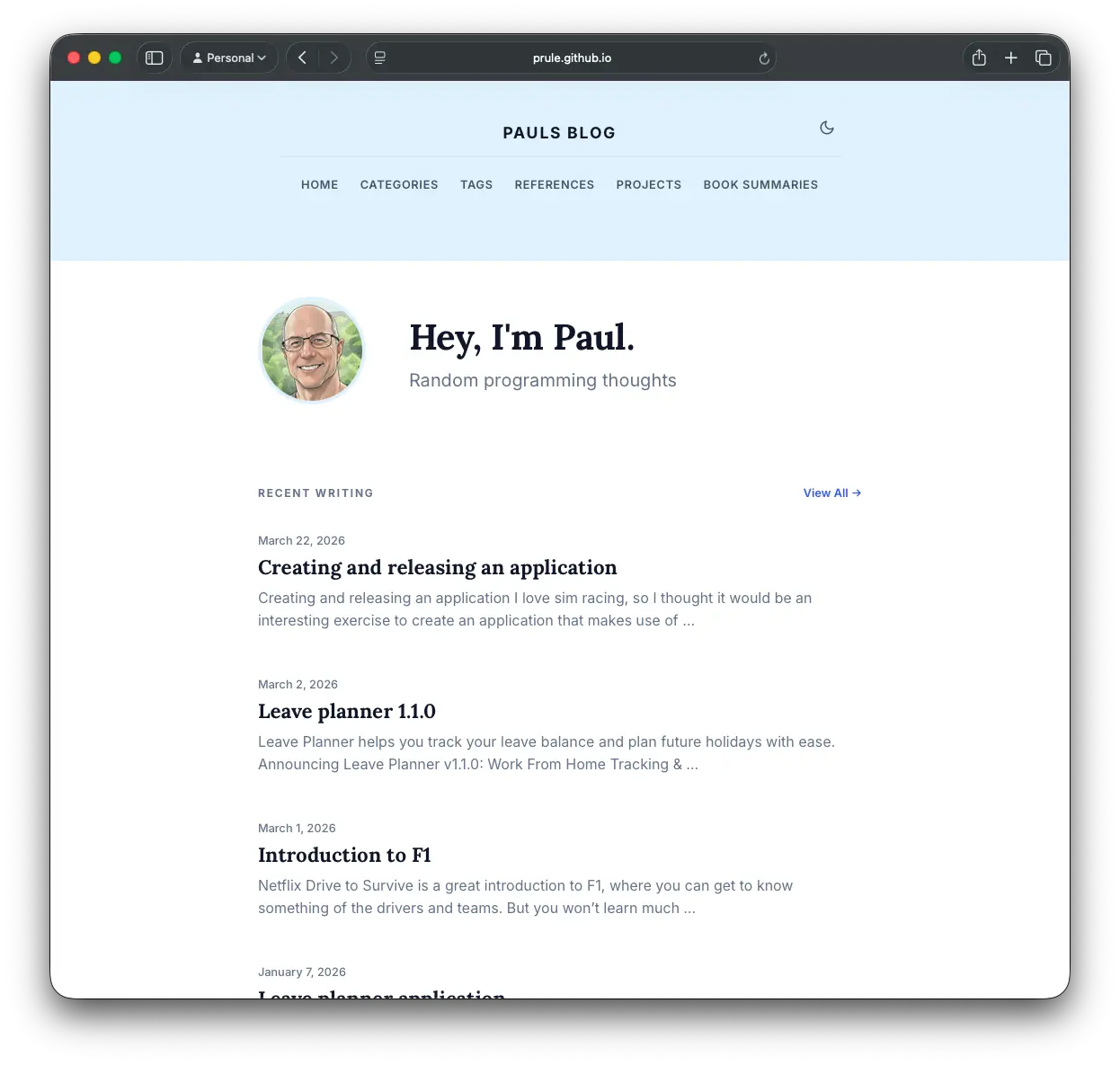
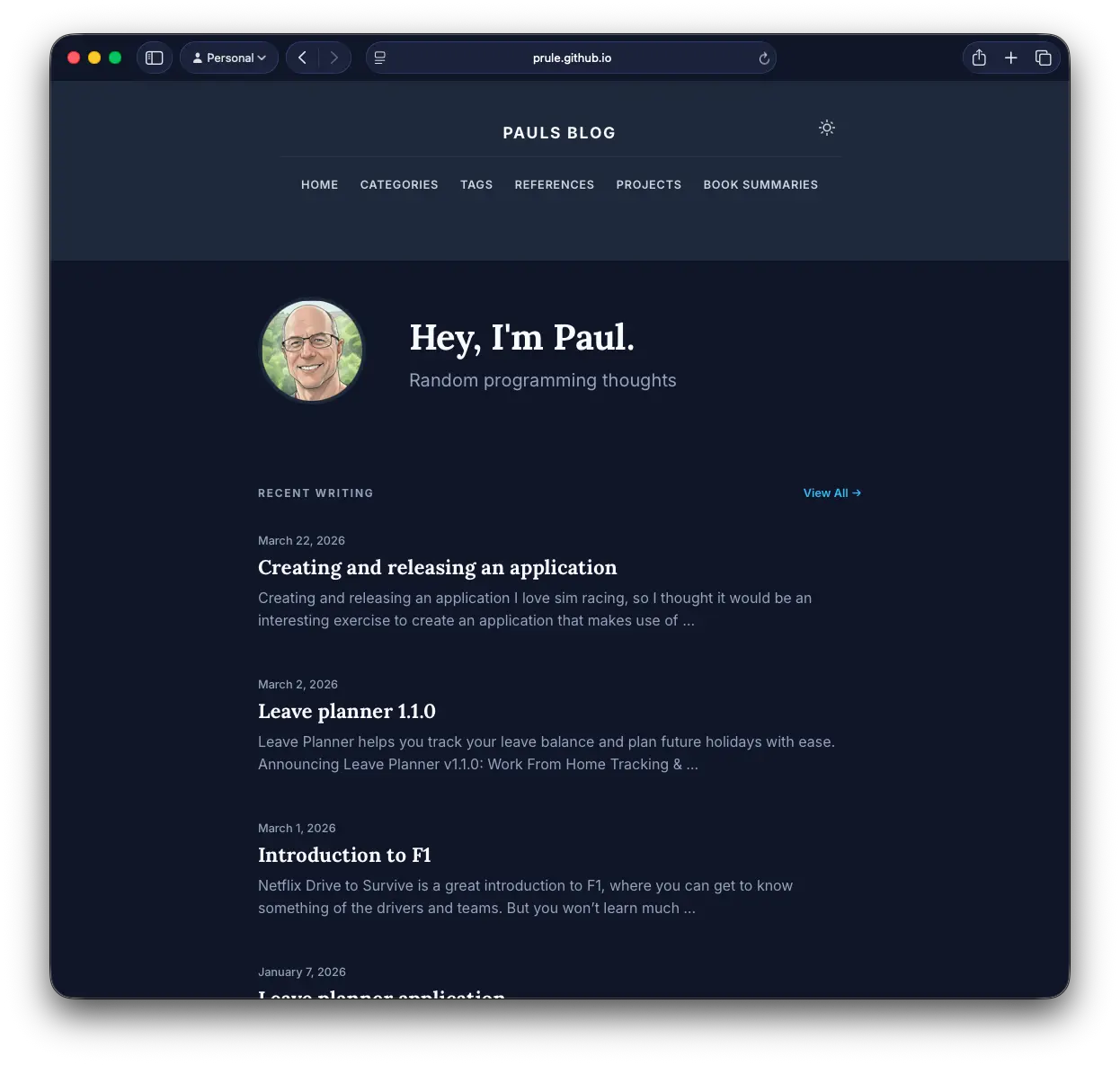
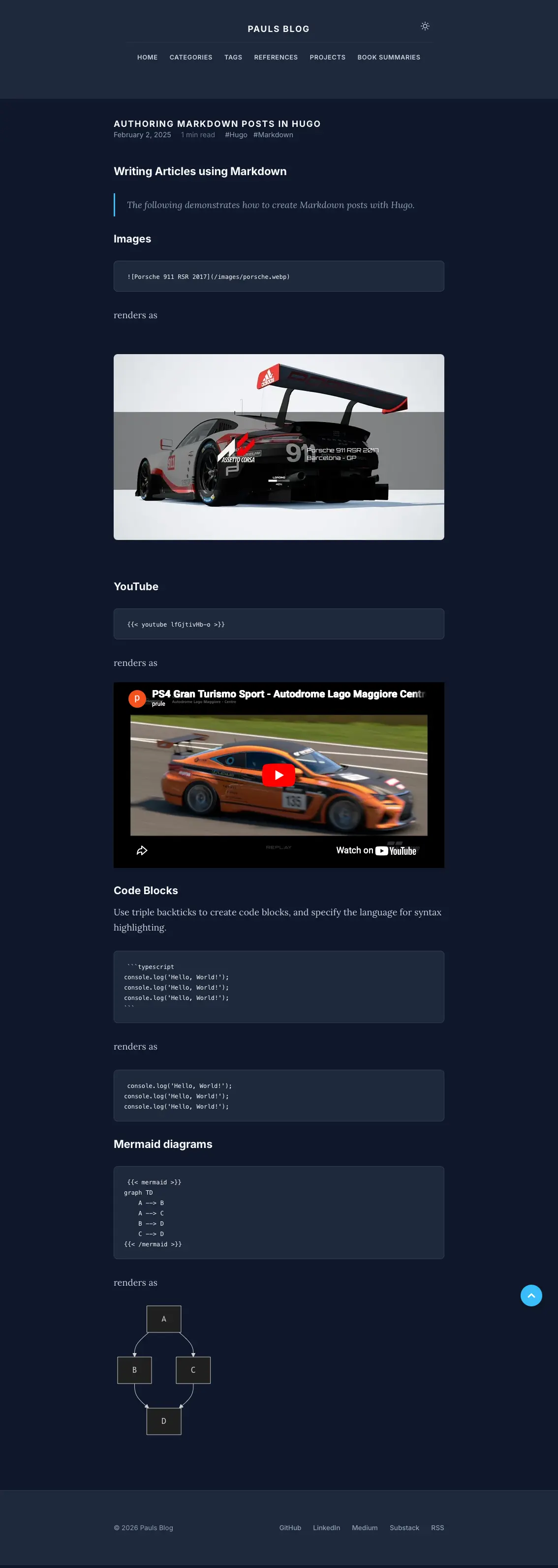
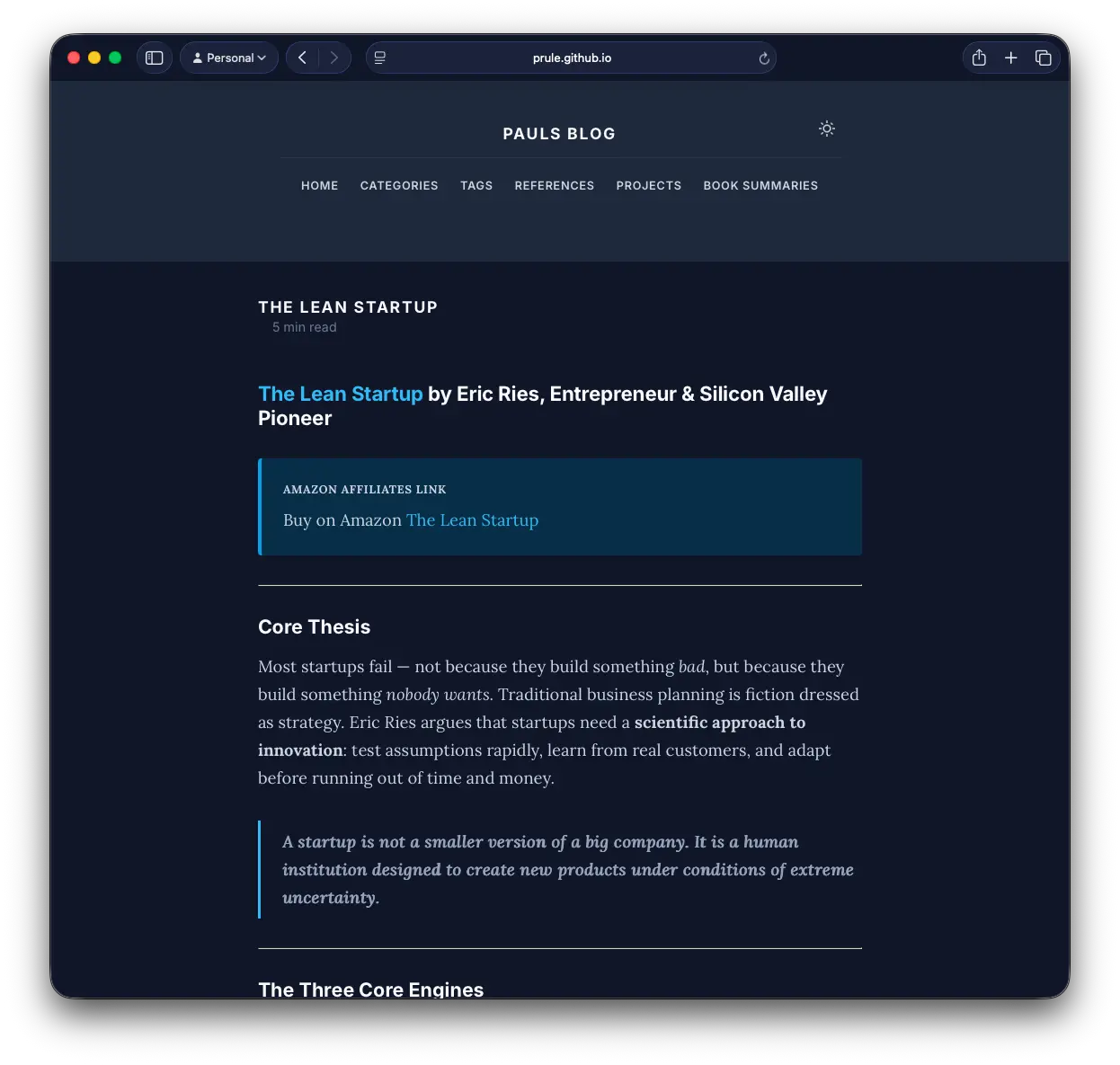
If you enjoyed this article, feel free to support my work on Ko-fi!
Support on Ko-fi