Introduction to JSON5
Json5 is a superset of JSON that allows for comments and trailing commas. It’s a popular choice for configuration files due to its readability and flexibility.
From the website:
Formally, the JSON5 Data Interchange Format is a superset of JSON (so valid JSON files will always be valid JSON5 files) that expands its syntax to include some productions from ECMAScript 5.1 (ES5). It’s also a subset of ES5, so valid JSON5 files will always be valid ES5.*
Read more about Json5 here: https://json5.org/
The main reason I’m using Json5 is to
allow for comments
allow for trailing commas
avoid quoting property names - making it easy to use in JavaScript or TypeScript
Example
Let’s take a simple JSON file:
{
  "title": "json example",
  "number": 123,
  "boolean": true,
  "nested": {
    "a": "b"
  },
  "multiLineString": "not possible"
}
And convert it to Json5:
{
  title: 'json5 example',
  number: 123,
  boolean: true,
  nested: {
    a: 'b',
  },
  multiLineString: "this is \
    a multi-line string",
}
Lets bling it up with comments so we can explain what’s going on:
{
  // Main title of the document
  title: 'json5 example', // JSON5 allows single quotes
  number: 123,            // Numbers remain the same
  boolean: true,          // Booleans remain the same
  nested: {
    a: 'b',               // No need for quotes on simple property names
  },                      // Trailing commas are allowed
  multiLineString: "this is \
    a multi-line string", // Multi-line strings
}
Typescript
Now let’s pretend the snippet originated in a TypeScript or JavaScript file - we can copy it to a Json5 file without modification - the point being that we can easily copy from code into configuration without having to convert to Json format - eg quoting the property names:
// The value assigned to sample here is a direct copy of the json5 content
const sample = {
    // Main title of the document
    title: 'json5 example', // JSON5 allows single quotes
    number: 123,            // Numbers remain the same
    boolean: true,          // Booleans remain the same
    nested: {
        a: 'b',               // No need for quotes on simple property names
    },                      // Trailing commas are allowed
    multiLineString: "this is \
    a multi-line string", // Multi-line strings
}
console.log("Sample: ", sample);
How to use it
You can use Json5 in your JavaScript or TypeScript code like this:
npm install json5

import JSON5 from 'json5'

const obj = JSON5.parse(json5String)
const str = JSON5.stringify(obj)
To convert Json5 to JSON use the cli:
npm install --global json5
json5 --out-file sample.json sample.json5
json5 --validate sample.json5
In Kotlin there is the json5k library: https://github.com/xn32/json5k
Json5.decodeFromString<Person>("{ name: 'Carl', age: 42 }") // Person(name=Carl, age=42)
Json5.encodeToString(Person("John", 31u)) // {name:"John",age:31}
IntelliJ IDEA supports Json5 out of the box.
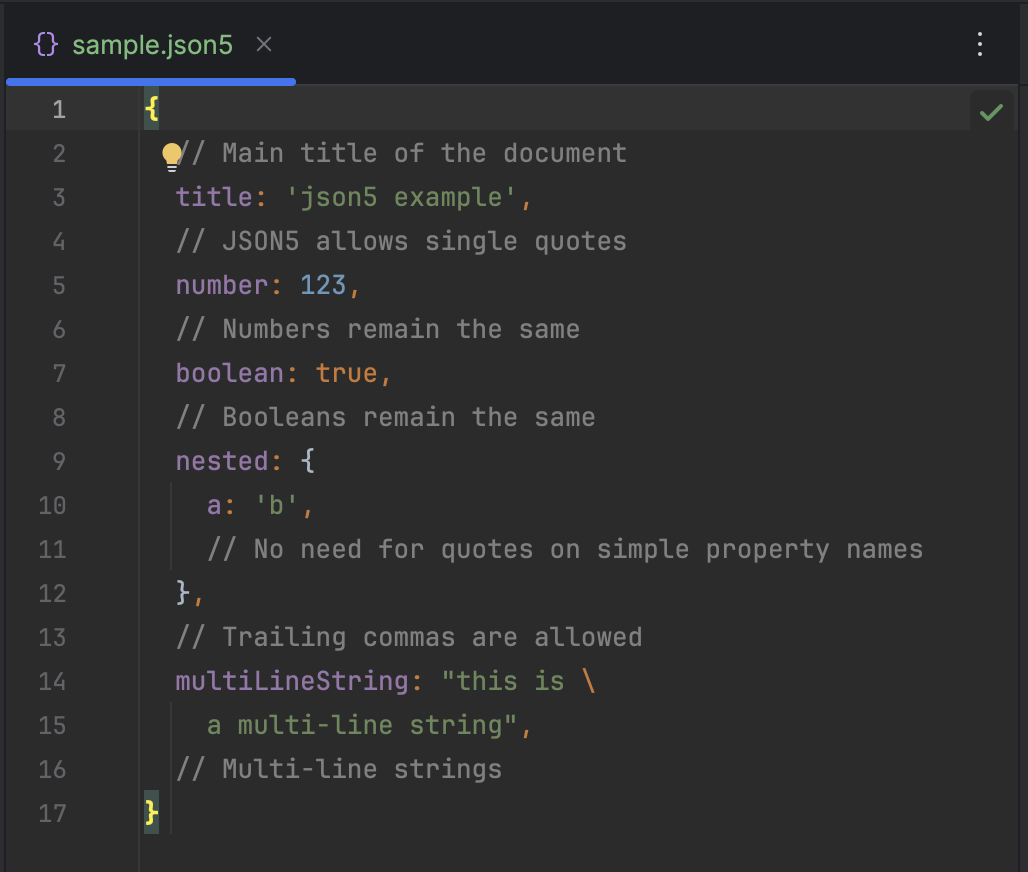
Here’s a real example of one of my renovate configurations:
{
  $schema: "https://docs.renovatebot.com/renovate-schema.json",
  extends: [
    "config:recommended"
  ],
  // specify timezone for scheduling
  timezone: "Australia/Sydney",
  // run before the workday starts to save pipeline capacity during work hours
  schedule: "after 6am and before 8am on Monday",
  packageRules: [
    // group minor and patch into one PR and automerge if build checks pass
    {
      automerge: true,
      groupName: "all non-major dependencies",
      groupSlug: "all-minor-patch",
      matchPackageNames: [
        "*"
      ],
      matchUpdateTypes: [
        "minor",
        "patch"
      ]
    }
  ]
}
If you enjoyed this article, feel free to support my work on Ko-fi!
Support on Ko-fi